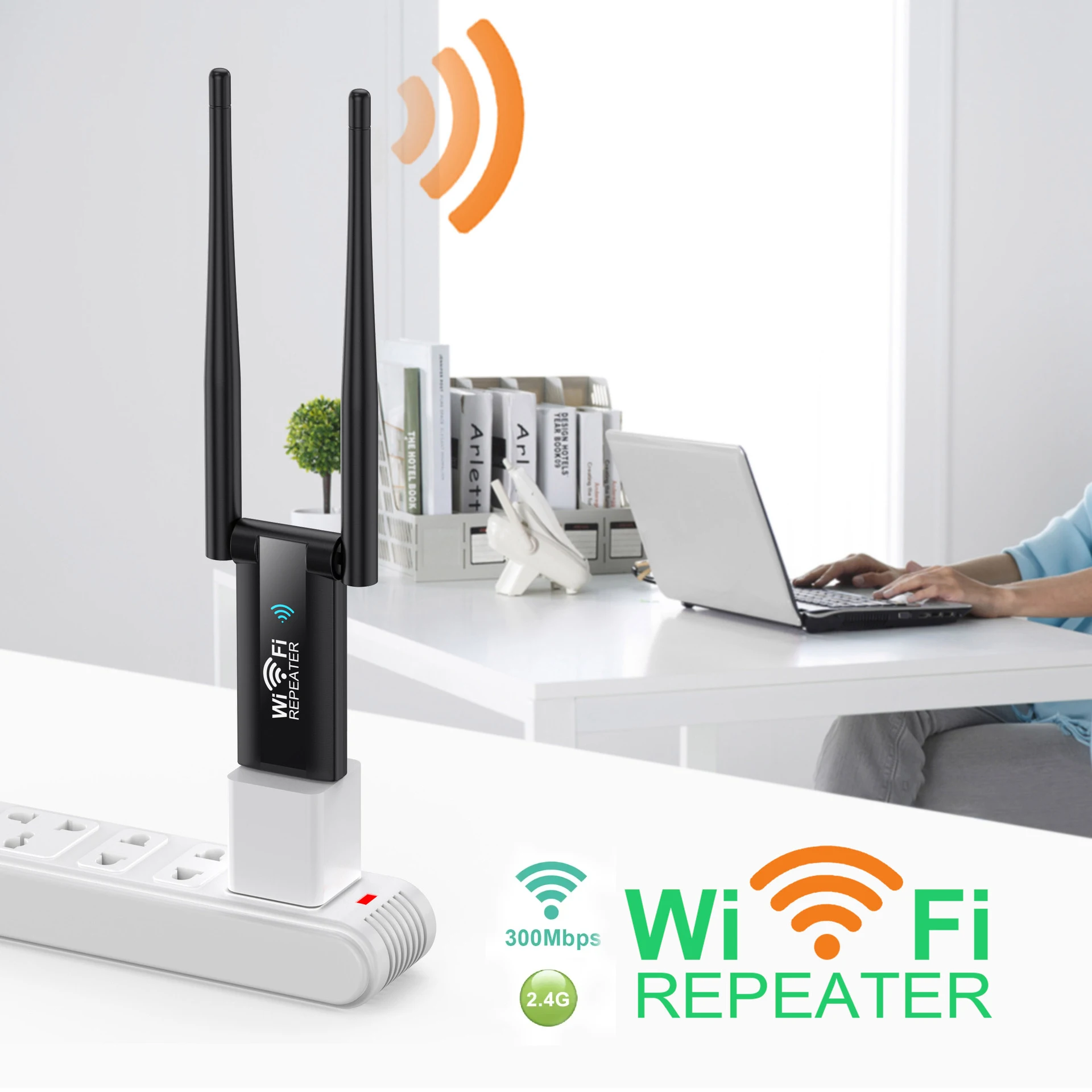
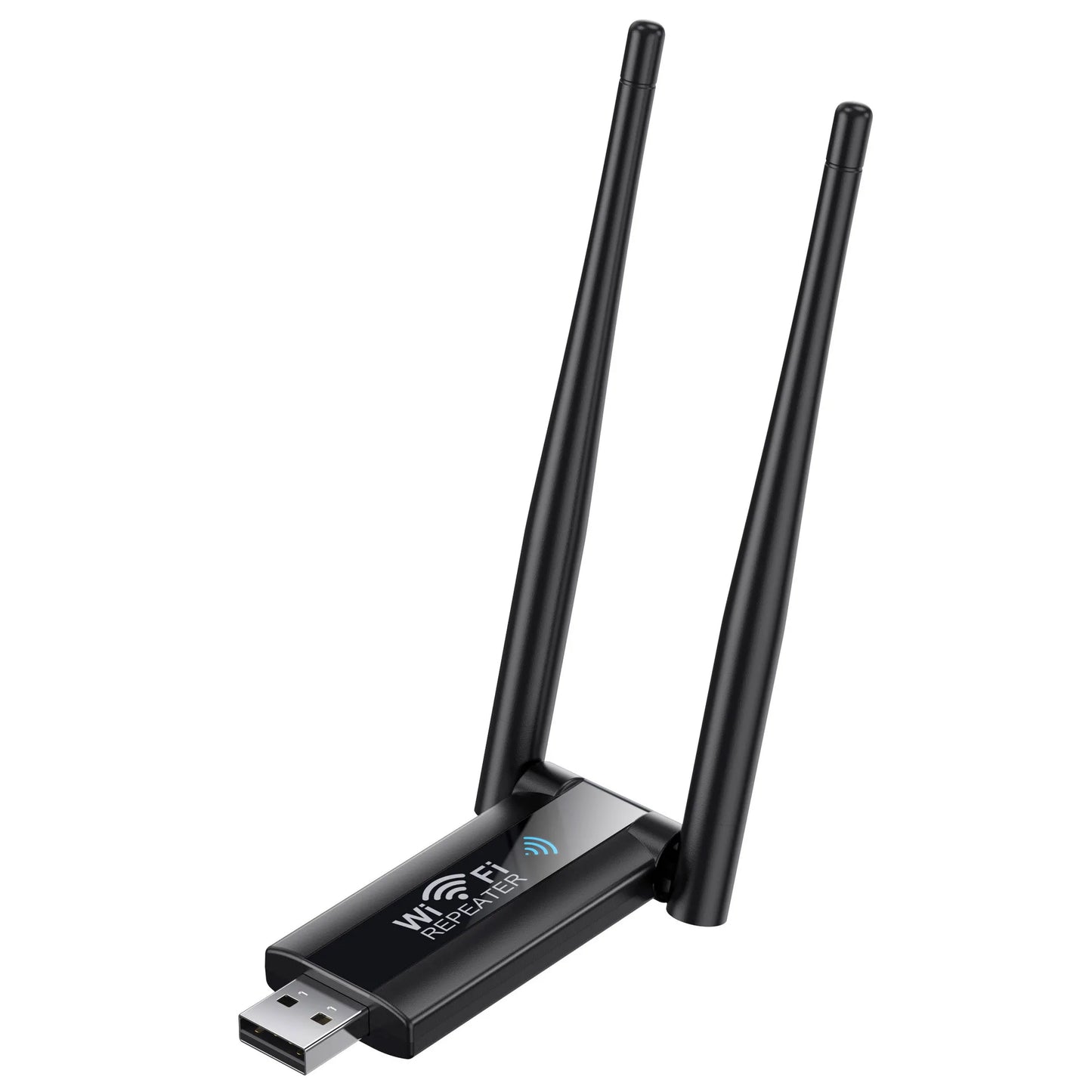
USB 2.4G 300Mbps Wireless WiFi Repeater Extender Router Wi-Fi Signal Amplifier Booster Long Range Network Card Adapter for PC
USB 2.4G 300Mbps Wireless WiFi Repeater Extender Router Wi-Fi Signal Amplifier Booster Long Range Network Card Adapter for PC
Regular price
£4.16 GBP
Regular price
£4.16 GBP
Sale price
£4.16 GBP
Unit price
per
Couldn't load pickup availability
SPECIFICATIONS
2.4G Wi-Fi Transmission Rate: 300 Mbps
5G Wi-Fi Transmission Rate: None
Antenna Type: Internal
Application: Home
Brand Name: NoEnName_Null
Choice: yes
Frequency: 2.4 GHz
Frequency Band Class: Single-Band
High-concerned chemical: None
Max. LAN Data Rate: 300Mbps
Number of USB Interfaces: 1 x USB 2.0
Origin: Mainland China
Package: Yes
Recommended Uses: Home
Standards And Protocols: Wi-Fi 802.11g,Wi-Fi 802.11b,Wi-Fi 802.11n
Support Mesh: Not Supported
Supports WDS: No
Supports WPS: No
Type: WireLess
Wi-Fi Supported Frequency: 2.4G
Wi-Fi Transmission Standard: 802.11n
Wireless Communication Standard: 802.11.n
Wireless transmission rate: 300m
With Modem Function: No
Features:
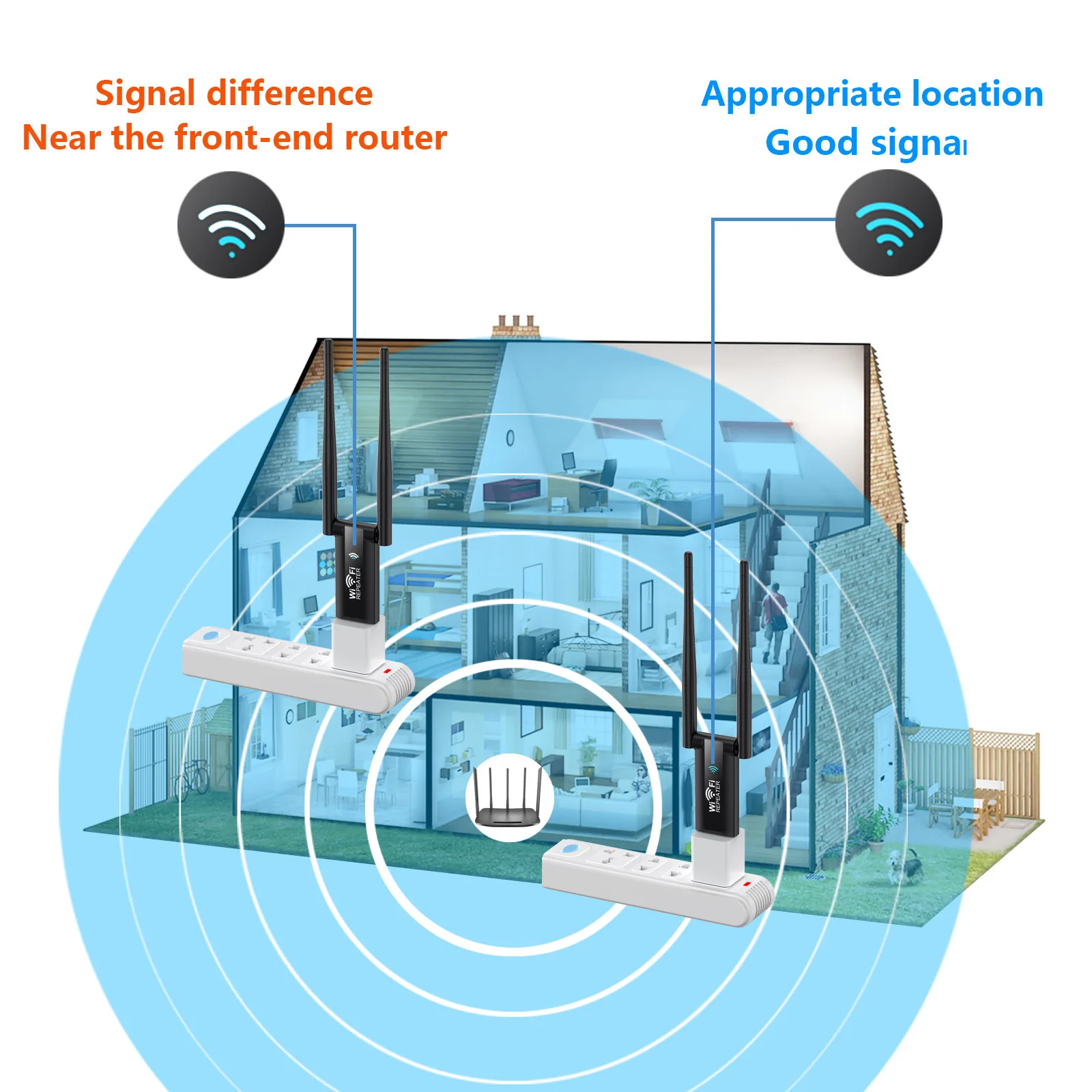
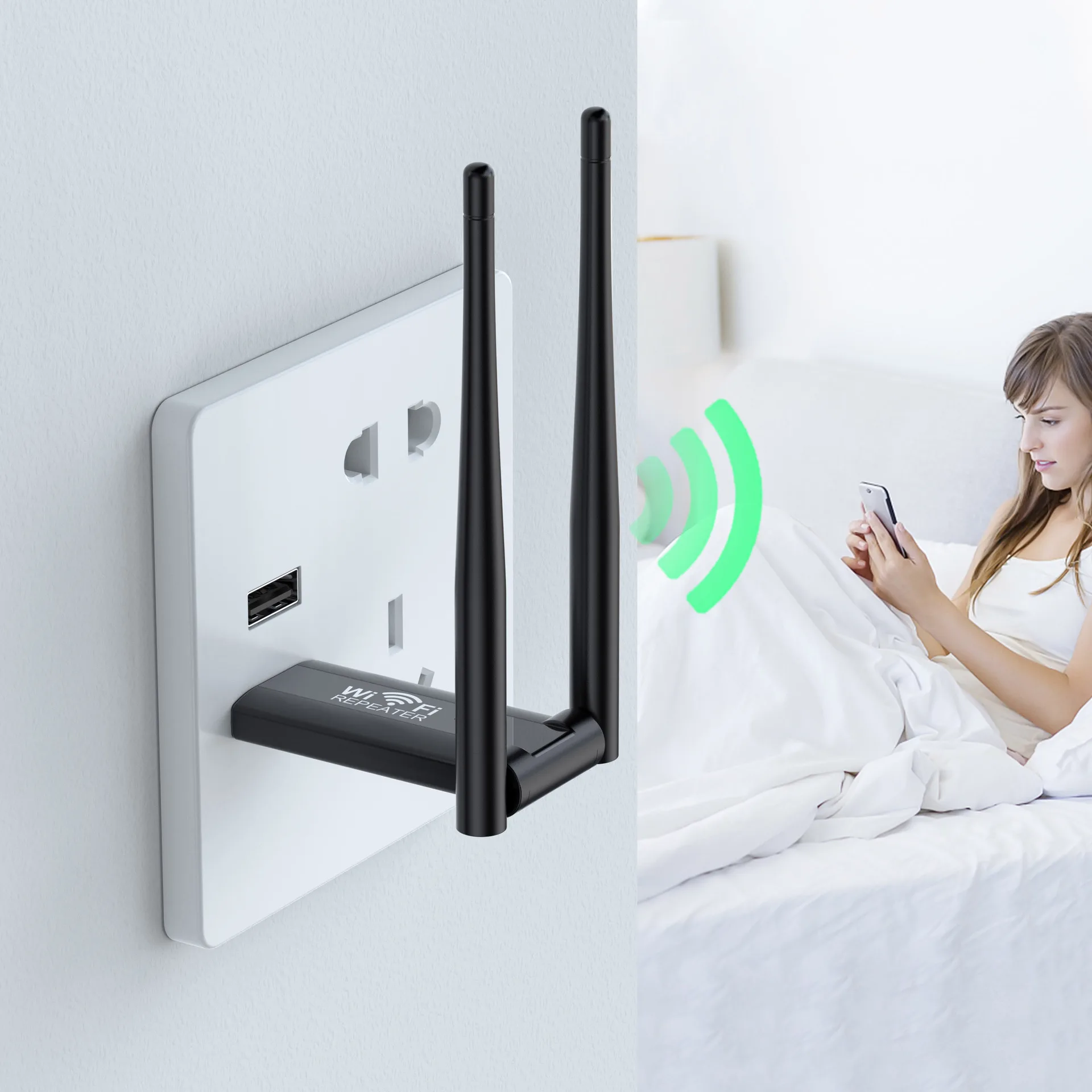
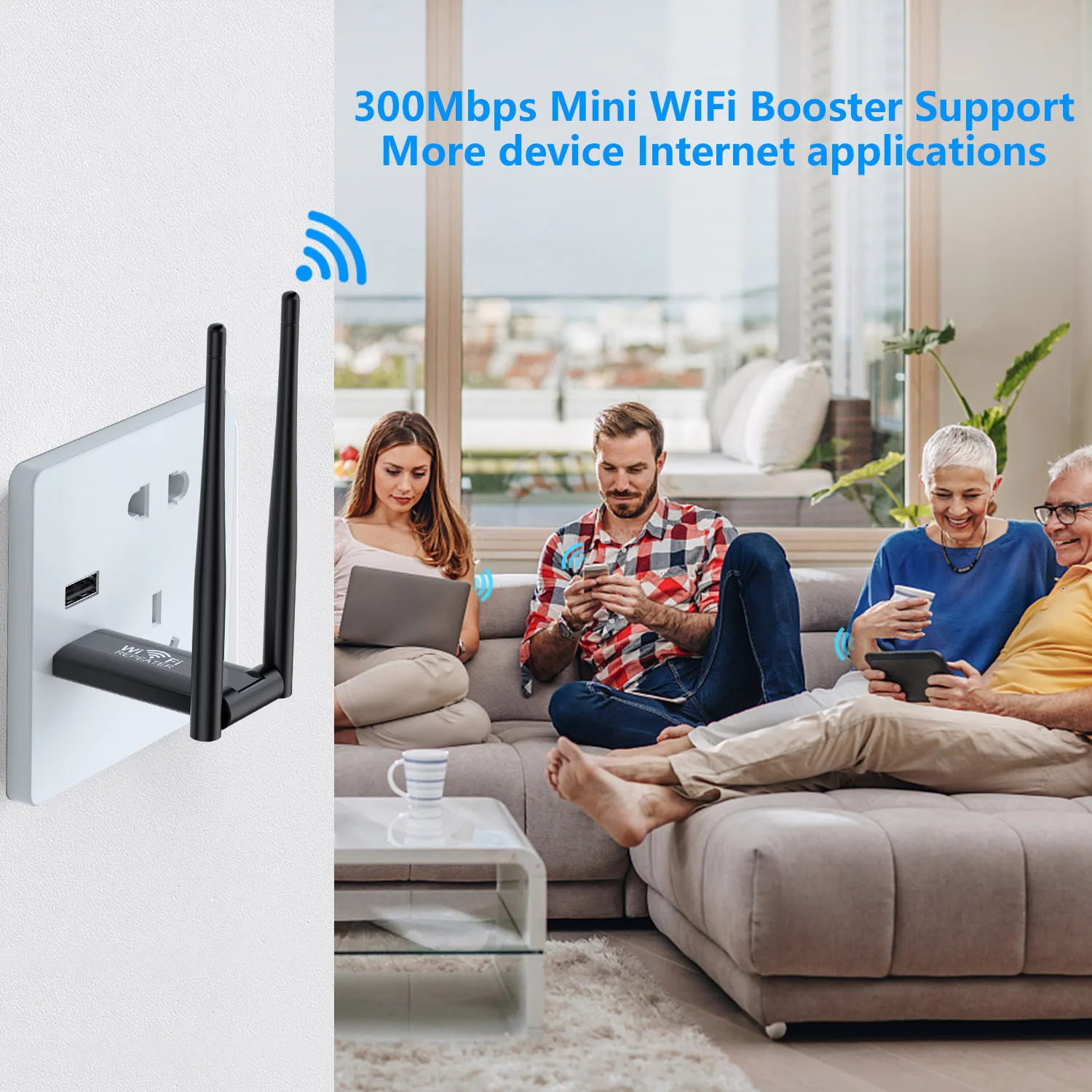
1.Large power, improving the link quality and coverage.
2.Ultra-low noise, suitable for various kinds of situation.
3.Portable size, easy to operate and use.
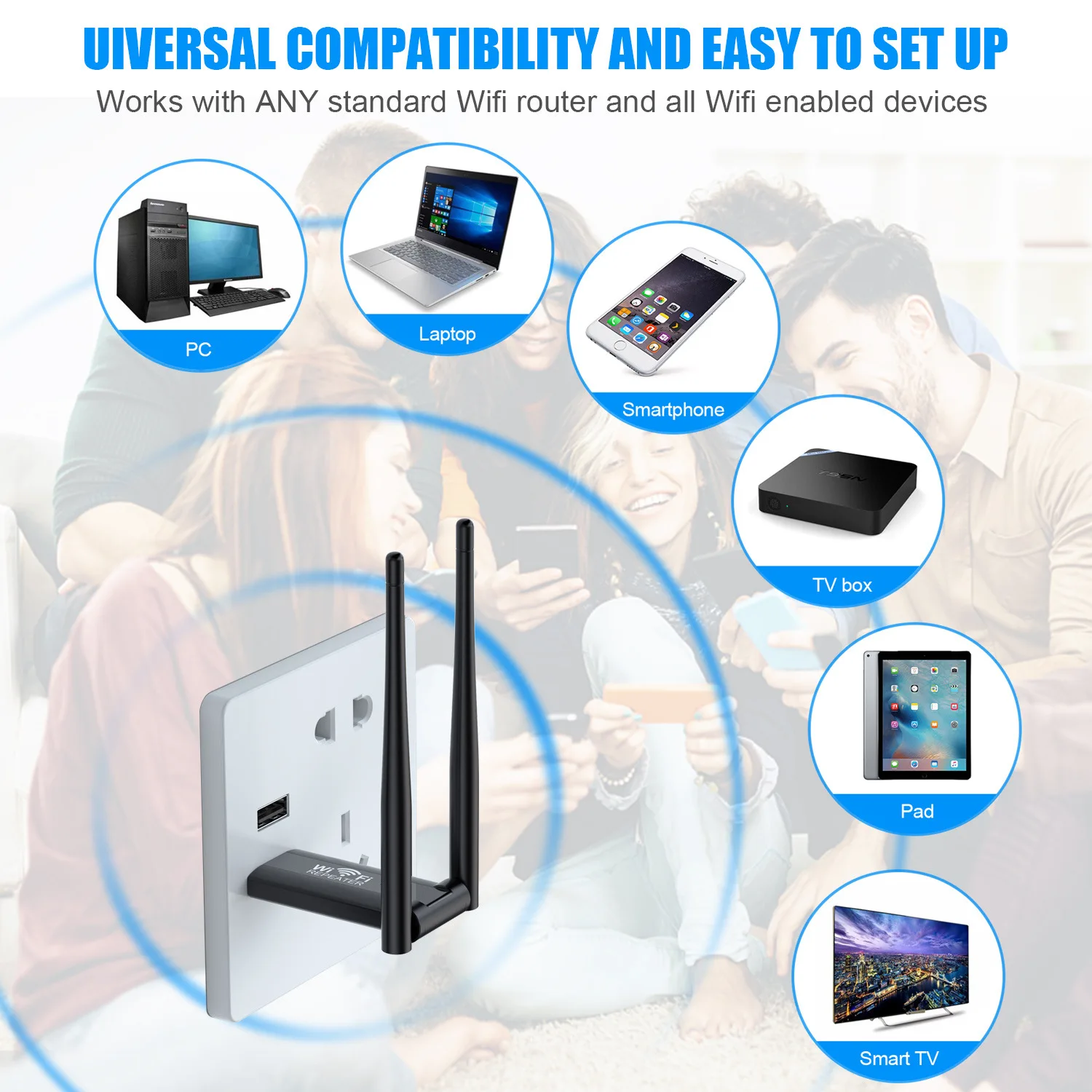
4.Simply plug and play, no software is required.
Specifications:
Transmission medium: wireless signal transmission
Relay distance: 0.02Km
Power requirements: 110~220V AC
Scope of application: home routing
Speed: 300M
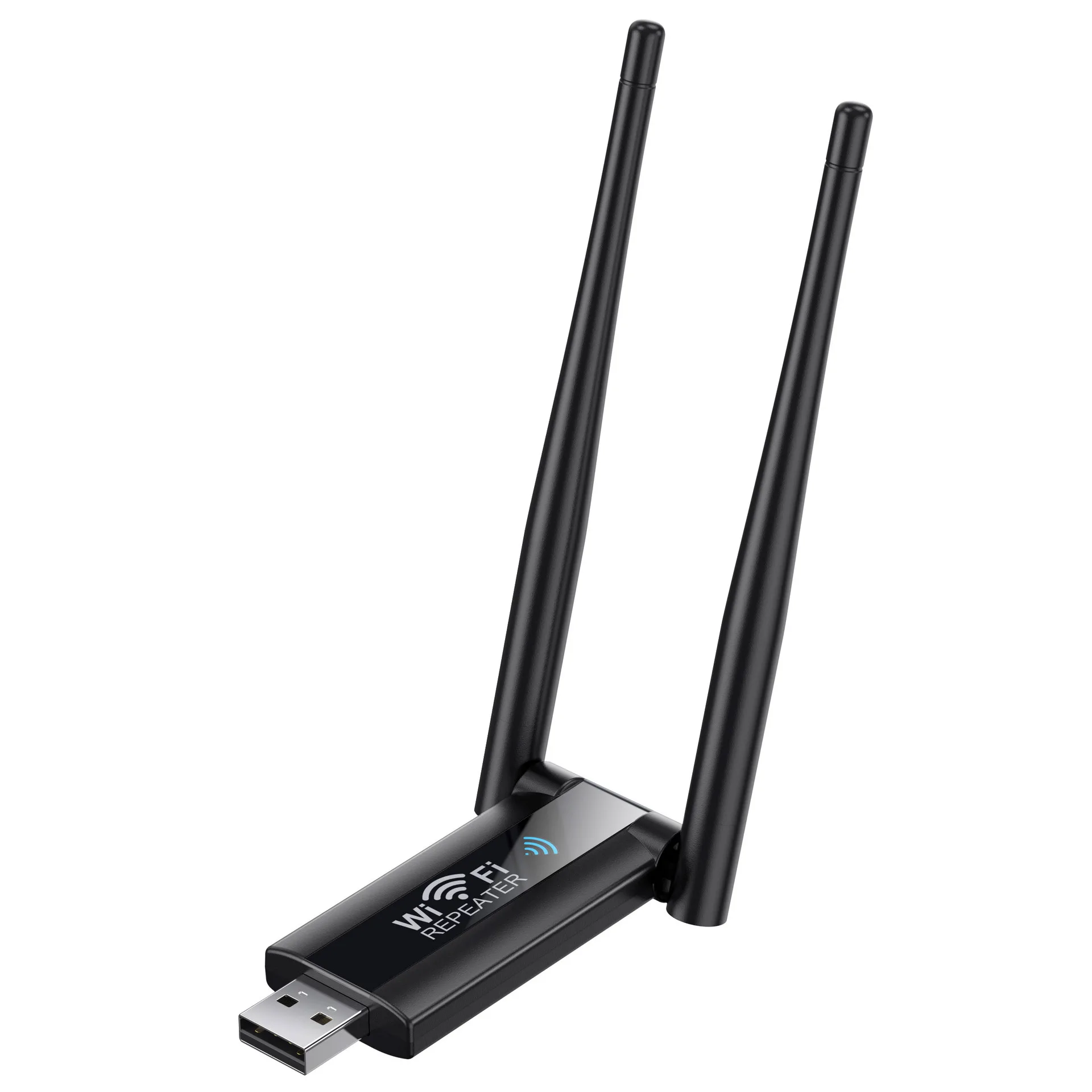
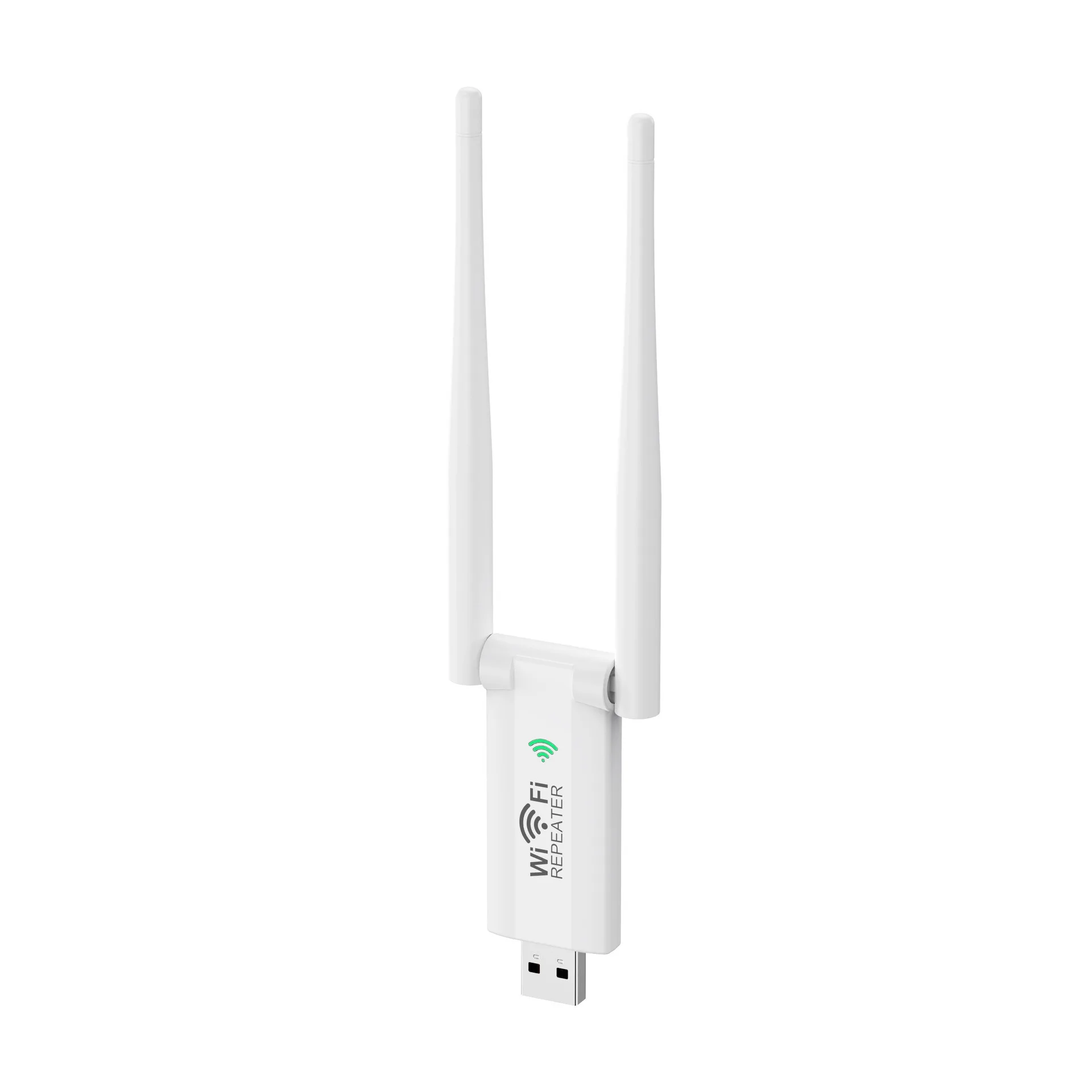
Size: 80*53*64mm
Interface: USB interface
Signal rate: 2.4GHz: up to 300Mbps (dynamic)
Covering area: 100m
Package Included:
1* Wifi Wireless Extender
Quick Installation Guide:
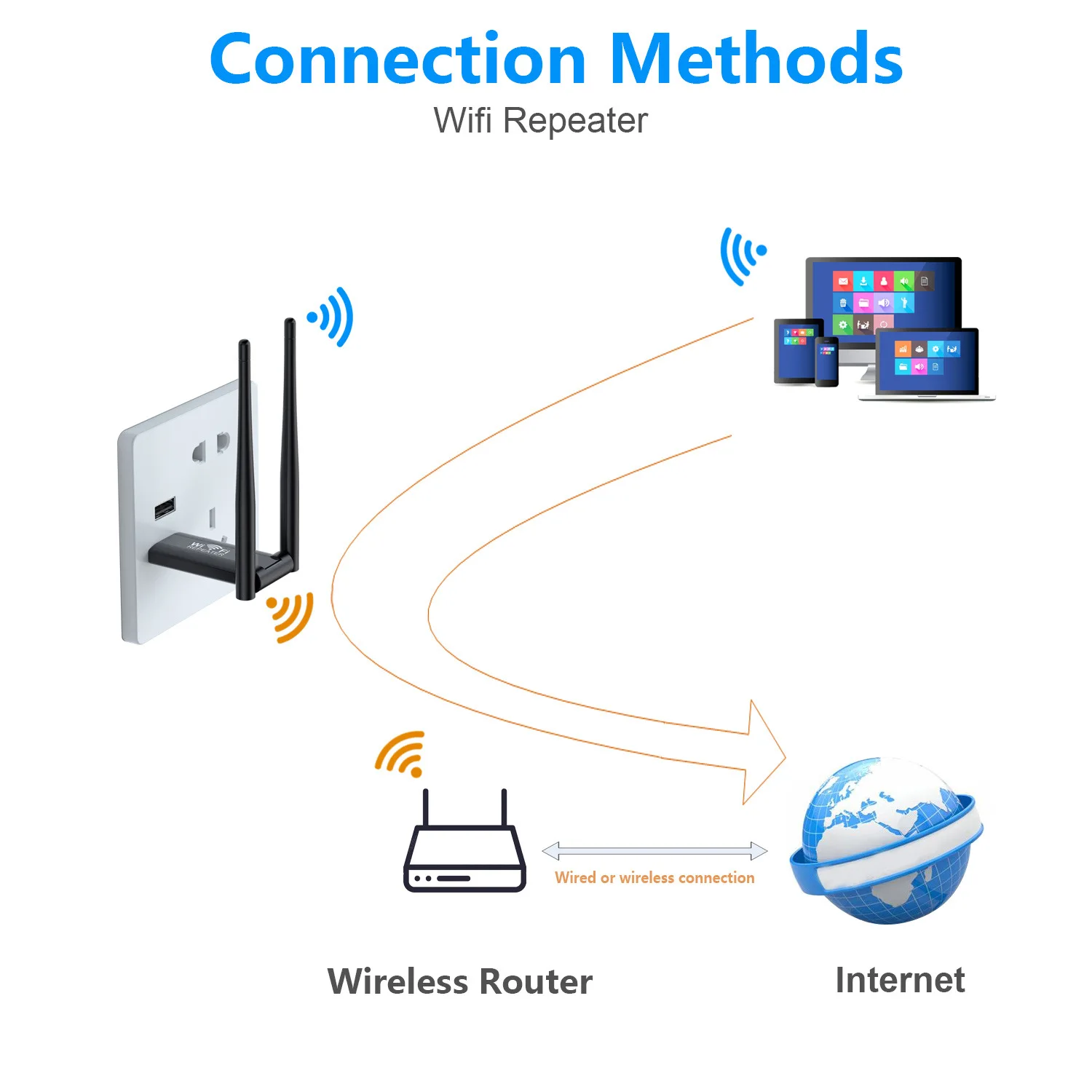
When the machine work normally,use the mobile phone to search and
connect to" Repeater-xxXXX"
Note: lf the mobile phone does not automatically jump to setting page
after connecting,please click "forget” the wif name that has been
connected on the mobile in wifi manage ,turn off the wifi and then
reopen the wifi to serch it,or input " 192.168.11.1 “.
Wi-Fi Repeater mode setup:
Step1: Click repeater mode to enter the network searc
[xxxx is the last 6 numbers of the repeater MAC address);
Step2:Select the wireless signal you want to expand!,if it is n hidden nchwork
you need to add it manually;
Step3:Enter your router connoction possword and click "NEXT”;
Sten4: Click the "Finish" button to complete the relay mode configuration
(The extended WiFis password is the same as the routers’ by default);
Step5: Complete Repeater Mode setting.